
33. Packaging
Before shipping the game to the public, it is necessary to add several game levels, get rid of the bugs, test and polish everything. I won't describe details of this process but it is actually what constitutes significant part of game development work.
在把游戏发布给公众之前,需要加入多个关卡、修复 Bug,并进行充分测试与打磨。这个过程的细节我就不展开了,但它确实构成了游戏开发中很大的一部分工作。
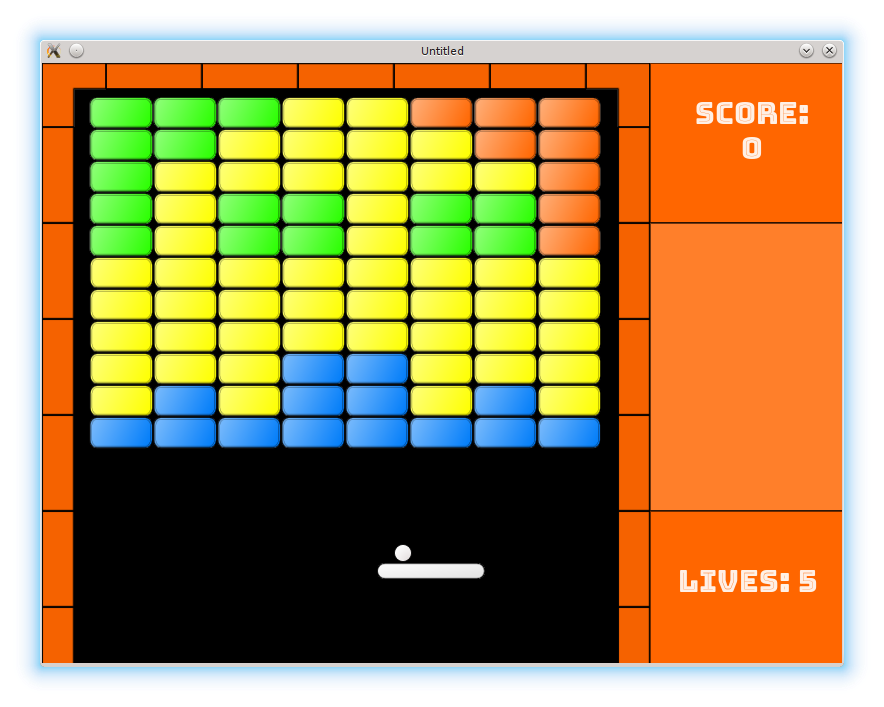
When the game is ready for release, it is necessary to package it into distributable form. LÖVE provides two possibilities for this. The first method is to create a .love file (which is in fact just a zip archive), that can be executed by the LÖVE interpreter. The second method is to bind the LÖVE interpreter together with the game and distribute a self-contained executable file.
当游戏准备发布时,需要把它打包成可分发的形式。
LÖVE 提供了两种方式。
第一种是生成一个 .love 文件(本质上只是一个 zip 压缩包),由 LÖVE 解释器执行。第二种是把 LÖVE 解释器和游戏一起打包,分发一个自包含的可执行文件。
Advantage of the first approach is simplicity for the developer: creation of a .love file is easy to accomplish. Advantage of the second is simplicity for the user: there is no need to install any additional software to run the game.
第一种方式对开发者更简单:生成 .love 文件很容易。
第二种方式对玩家更简单:运行游戏不需要额外安装任何软件。
For this project, I'll use the first method, but for commercial games the second approach is preferable. I plan to address it in one of the appendices. Love-release is a helpful tool to automate creation of .love packages and stand-alone executables for various platforms. Besides, with external tools such as love.js it is relatively easy to create a web-version of your game. Give them a try.
在这个项目里,我会采用第一种方式,但商业游戏更适合第二种方案。我计划在附录里再讲。
Love-release 是个很有用的工具,可以自动生成各平台的 .love 包和独立可执行文件。另外,借助 love.js 之类的外部工具,也能比较轻松地把游戏做成网页版。可以试试看。
On GNU/Linux, a convenient way to create a *.love archive is by make utility.
在 GNU/Linux 上,用 make 工具生成 *.love 归档文件很方便。
There are lots of tutorials describing Makefile syntax. In short, a typical entry - called "rule" - has the following form:
关于 Makefile 语法的教程有很多,这里、这里、这里。
简单来说,一个典型的条目(称为“rule”)形式如下:
target: dependency1 dependency2 .....
	command1
	command2
	.....
The following recursive strategy is used: to execute the rule with the name target, first execute the rules for each of it's dependencies; after that, execute each command in the list of the commands. So, typing make target will result in Make looking for and executing rules for dependency1, dependency2 etc, and after that executing a series of commands command1, command2 etc.
使用的是递归策略:要执行名为 target 的规则,先执行它每个依赖项对应的规则;
之后再按顺序执行命令列表中的各条命令。
因此输入 make target 后,Make 会先寻找并执行 dependency1、dependency2 等规则,接着再执行一系列命令 command1、command2 等。
For the current project the following Makefile is used:
当前项目使用的 Makefile 如下:
NAME=love2d_arkanoid_tutorial

all: love

love:
	zip -r ${NAME}.love *.lua \
			fonts img levels sounds \
			credits.txt Makefile \
			../LICENSE ../README.md

clean:
	rm -f *.love
Commands make, make all and make love will create a LÖVE package (zip archive with love extension) with all the necessary files to run the game; make clean will delete this archive.
命令 make、make all 和 make love 会生成一个 LÖVE 包(带 love 扩展名的 zip 归档),其中包含运行游戏所需的全部文件;make clean 会删除这个归档。